Module 3 Activity Research

Weekly Activity Template

YAMIN CAI


Project 3


Module 3

This project will transform from a prototype into a physical product. We will replace the previous LED bulbs with LED light strips, add the previously conceptual carrying device (wrist), and connect ANDRINUO and PROTOPIE to synchronously display changes in values ​​and colors.

Workshop 1

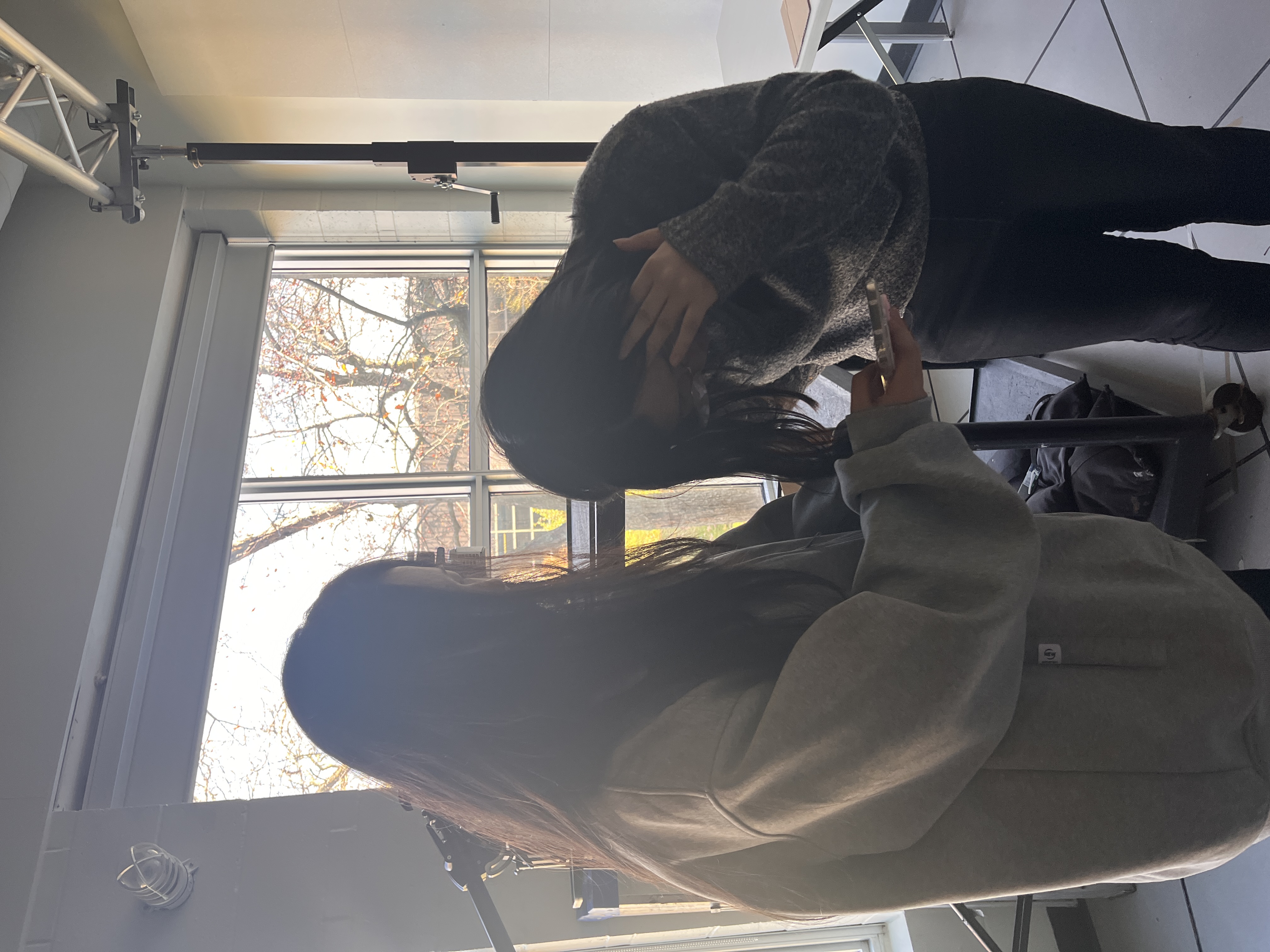
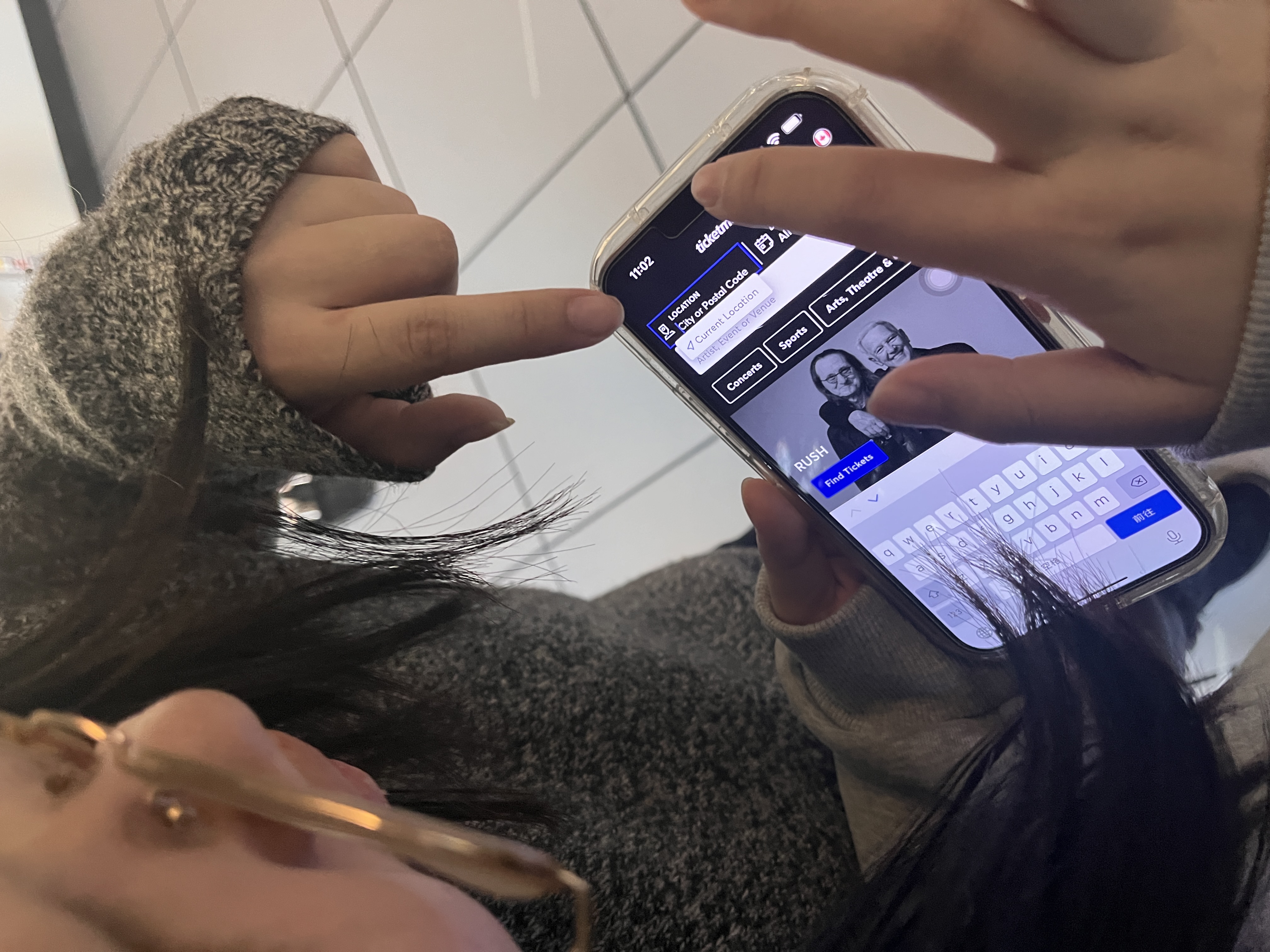
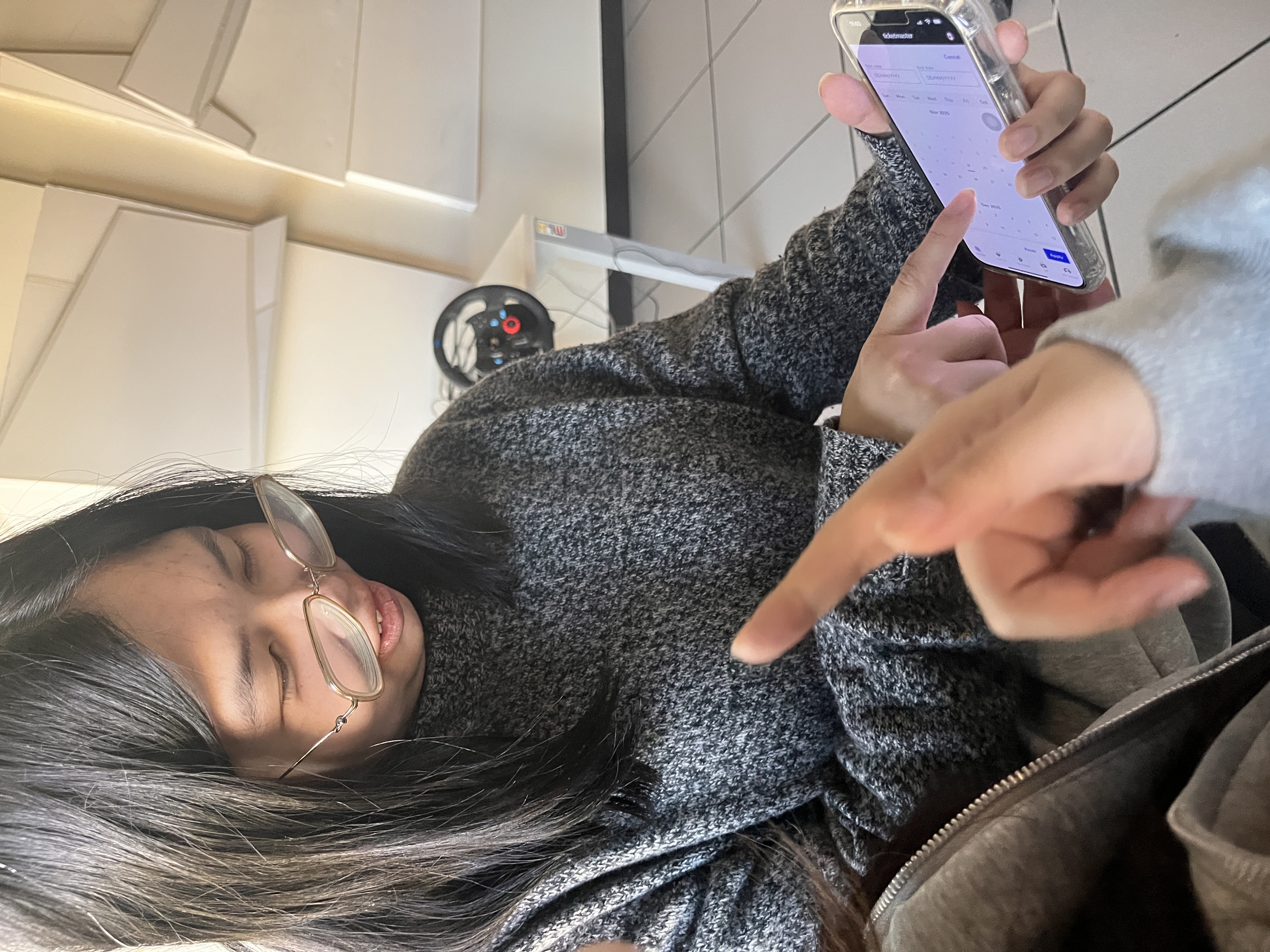
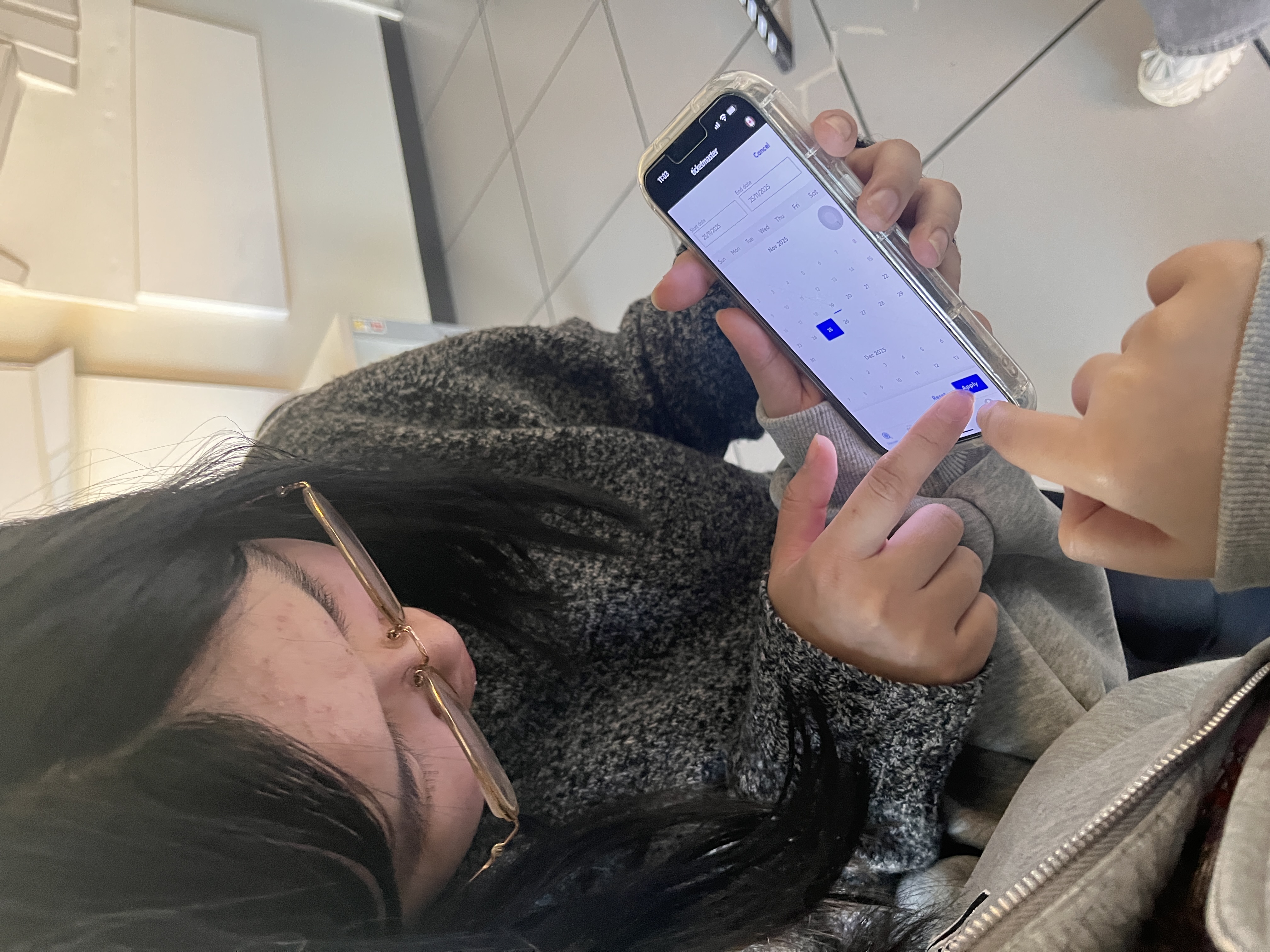
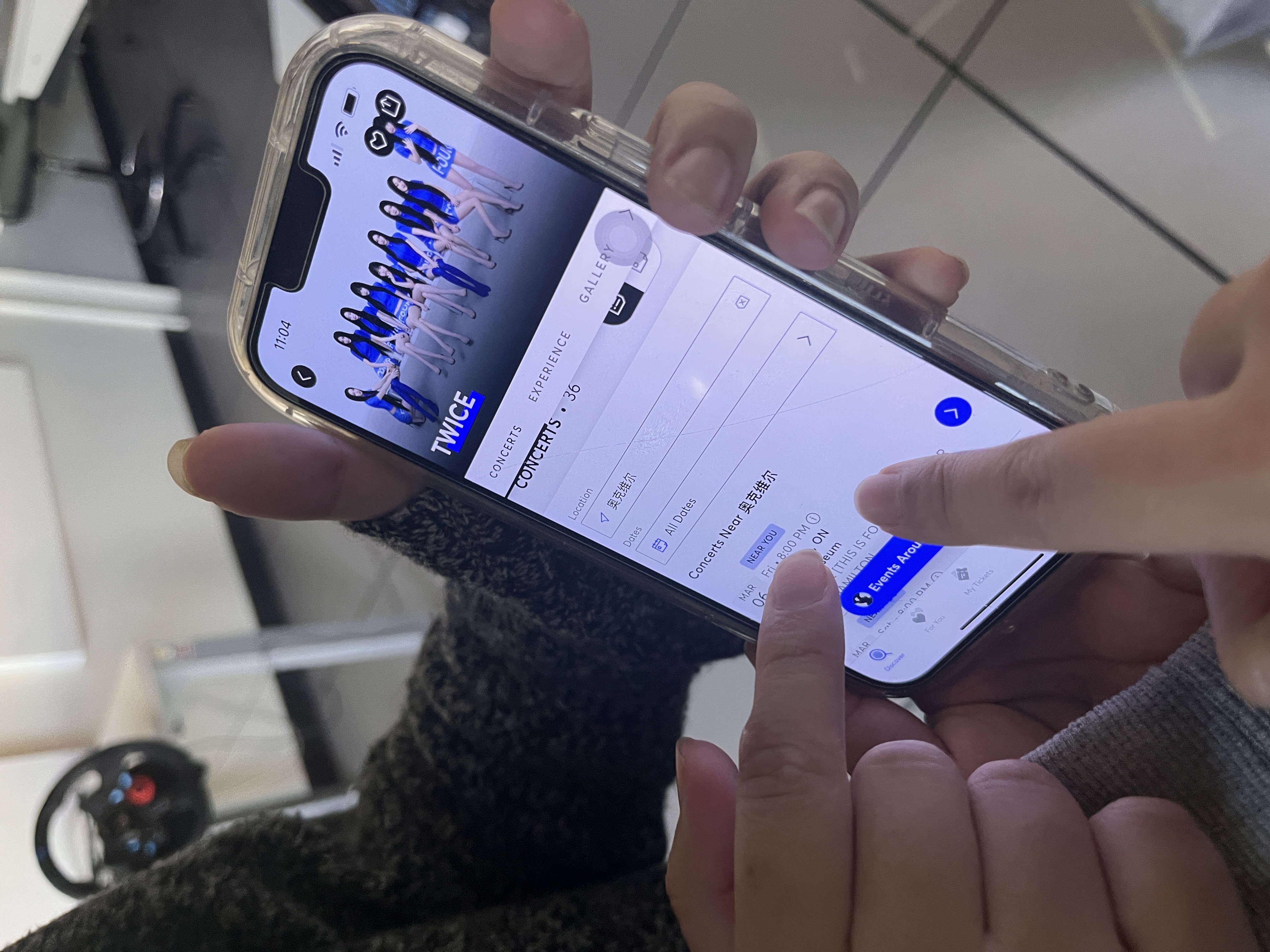
At first, I pretended to be an elderly person and used unfamiliar and complex mobile apps.  We immediately encountered an issue as first-time users of the ticketing software. Rather than selecting a time slot right away, we first looked for information about the concert we wanted to attend. Checking the details of the concert, the order may vary, but it does not affect the subsequent results. New users are unfamiliar with the area allocation of the venue Check-out process, users are worried about what are the requirements for the concert, such as prohibited items and permitted photography times

Workshop 2

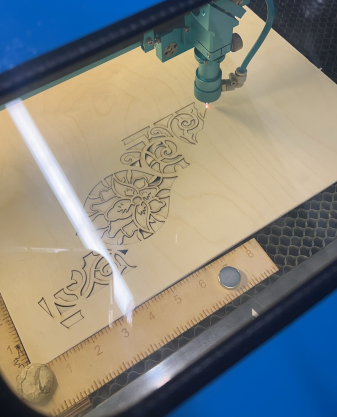
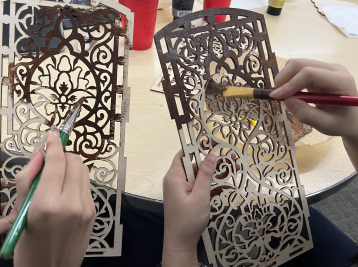
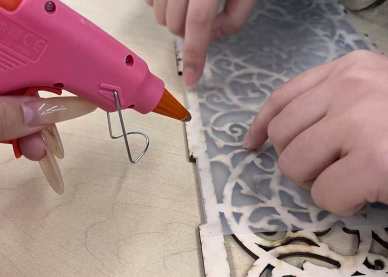
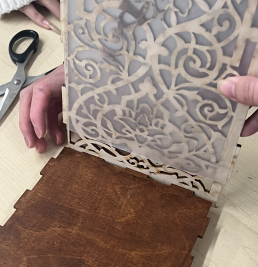
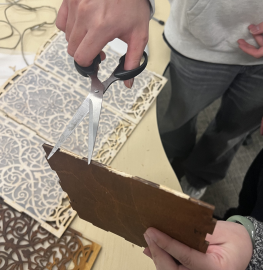
We manufacture our outer shell according to the blueprints by scheduling laser cutting. After cutting, we paint the outer shell. After drying, we used a glue gun to stick sulfur paper inside. Try binding the casing Because of errors in the cutting process, the parts cannot be put together. We need to find a way to smooth the parts to complete the assembly.

Activity 1: My Research

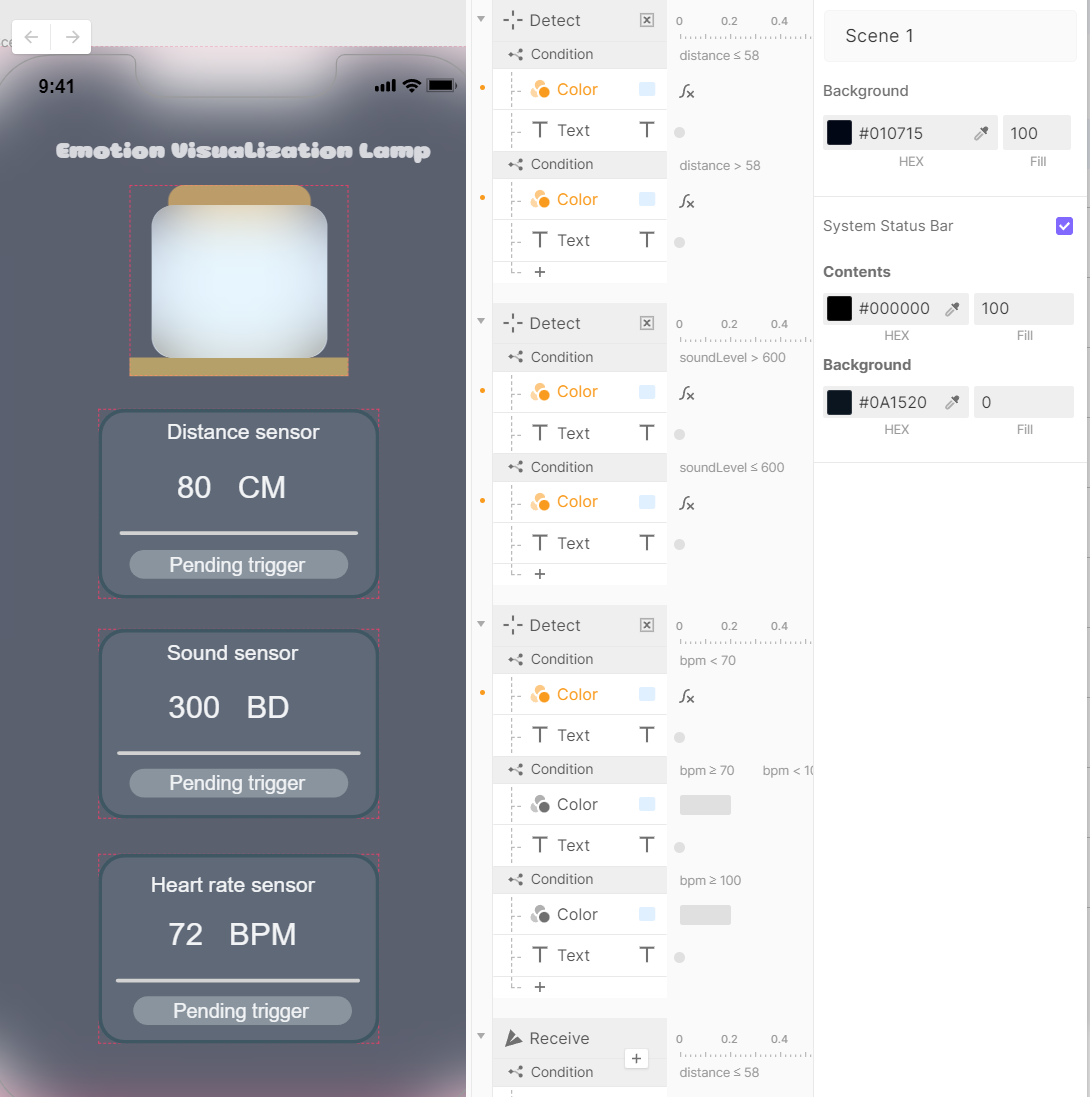
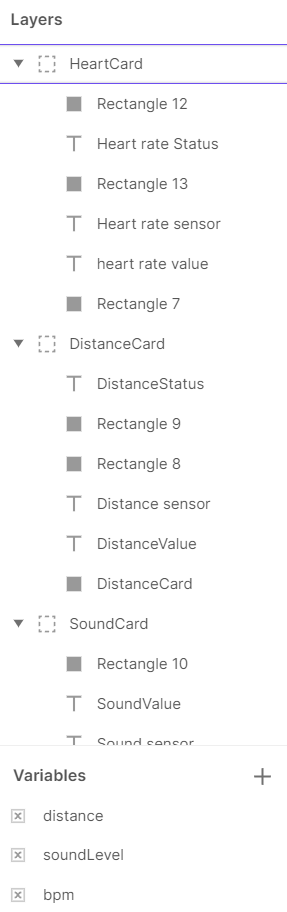
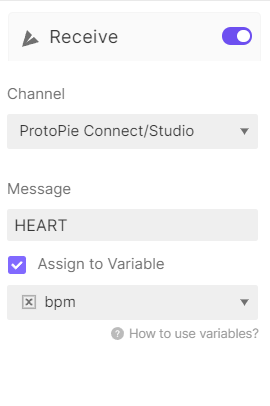
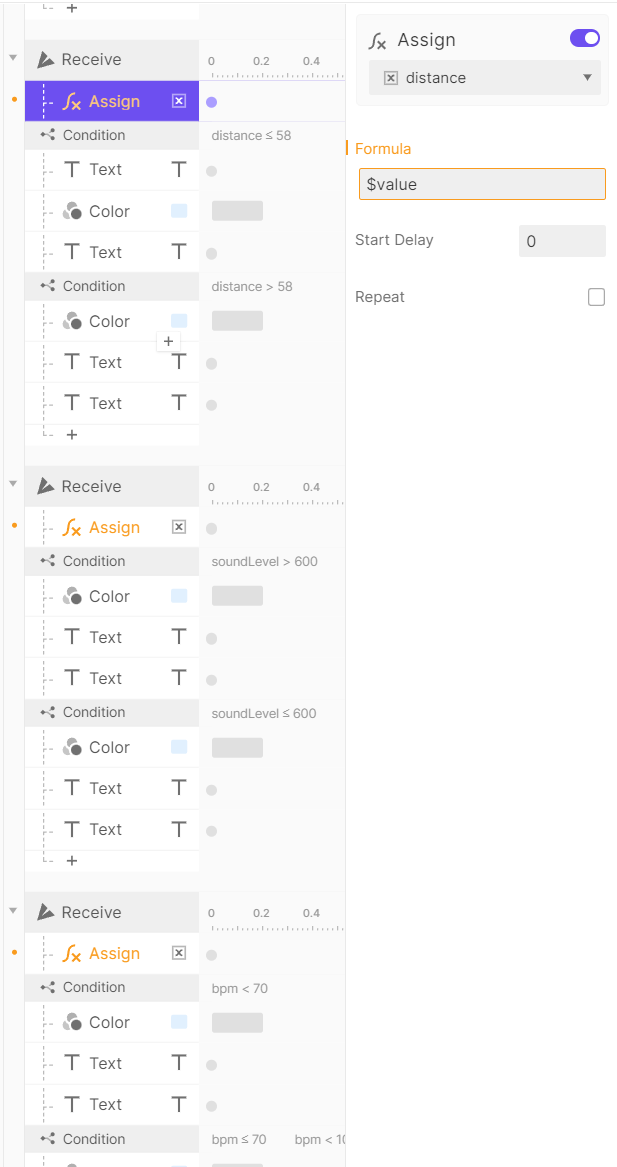
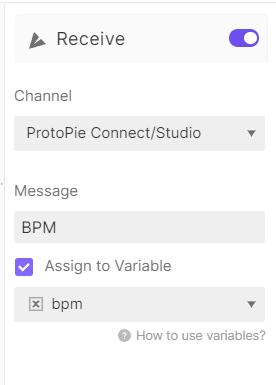
Since I wasn't very familiar with PROTOPIE, I followed the AI's instructions for the initial setup. The first PROTOPIE version primarily set up the DECTIVE TRIGER, with subsequent versions including a small number of RECEIVE TRIGERs. The first version of PROTOPIE establishes the main framework. I set up this simple interface according to the requirements, and then set three variables based on the three sensors. Because the first version couldn't connect to Android, I changed the heart rate sensor's message from BPM to HEART. Before the second test, I added a PENDING check to visually detect whether the PROTOPIE was connected to ANDRINUO.

Activity 2: My Research

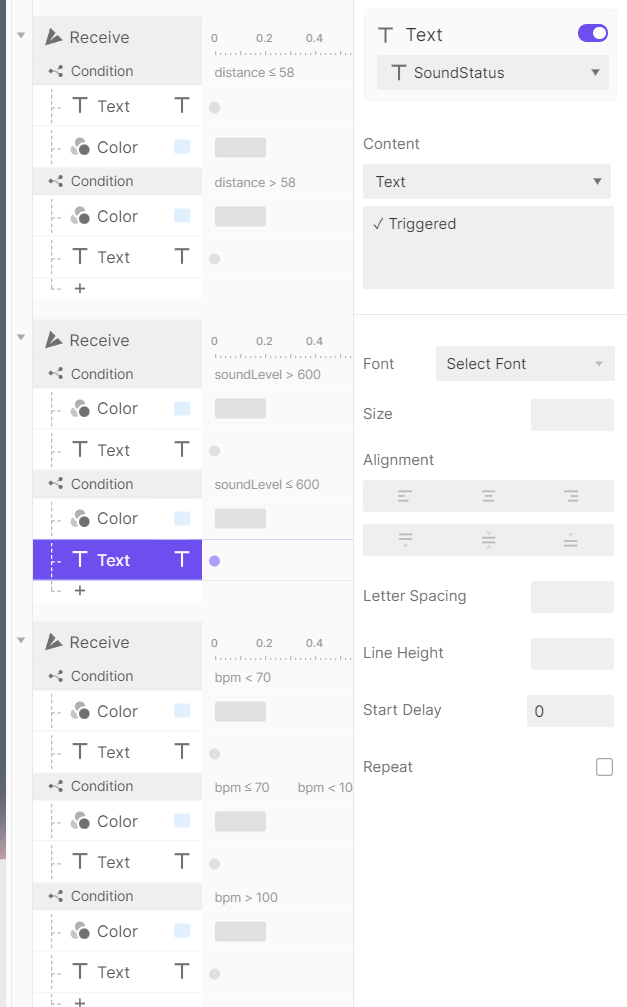
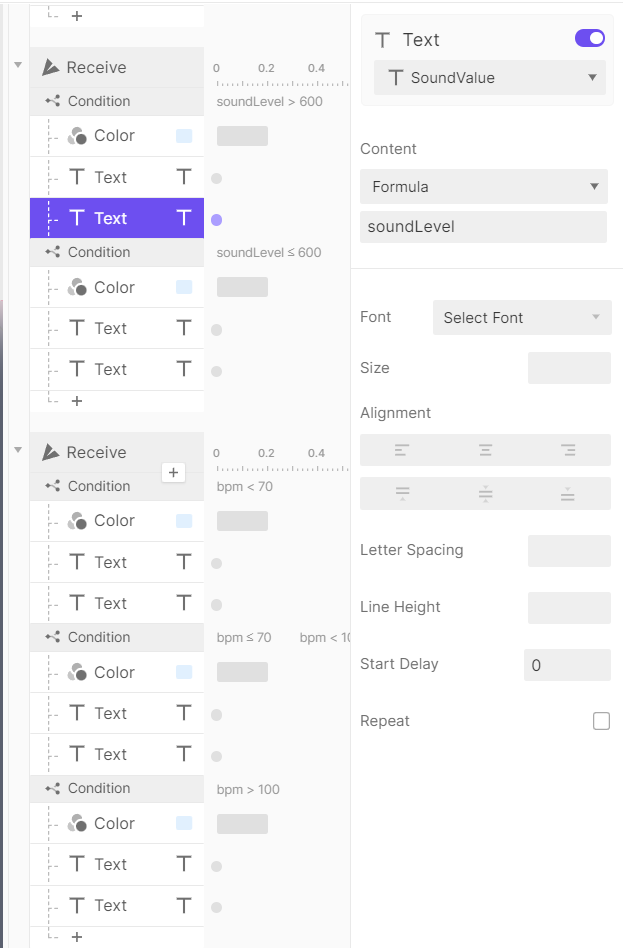
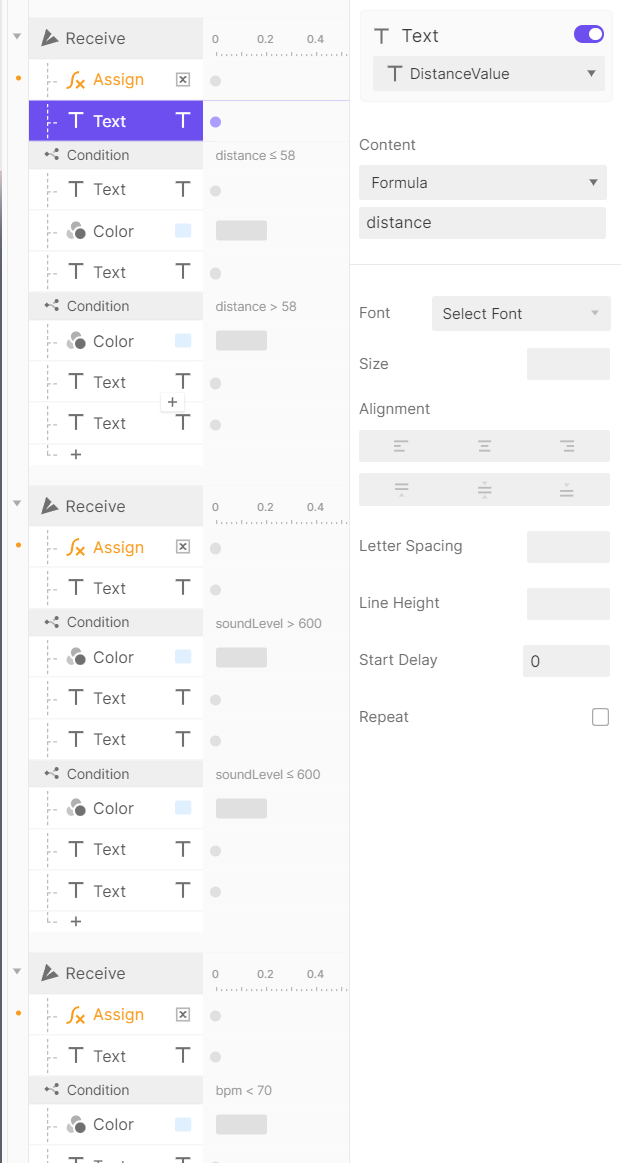
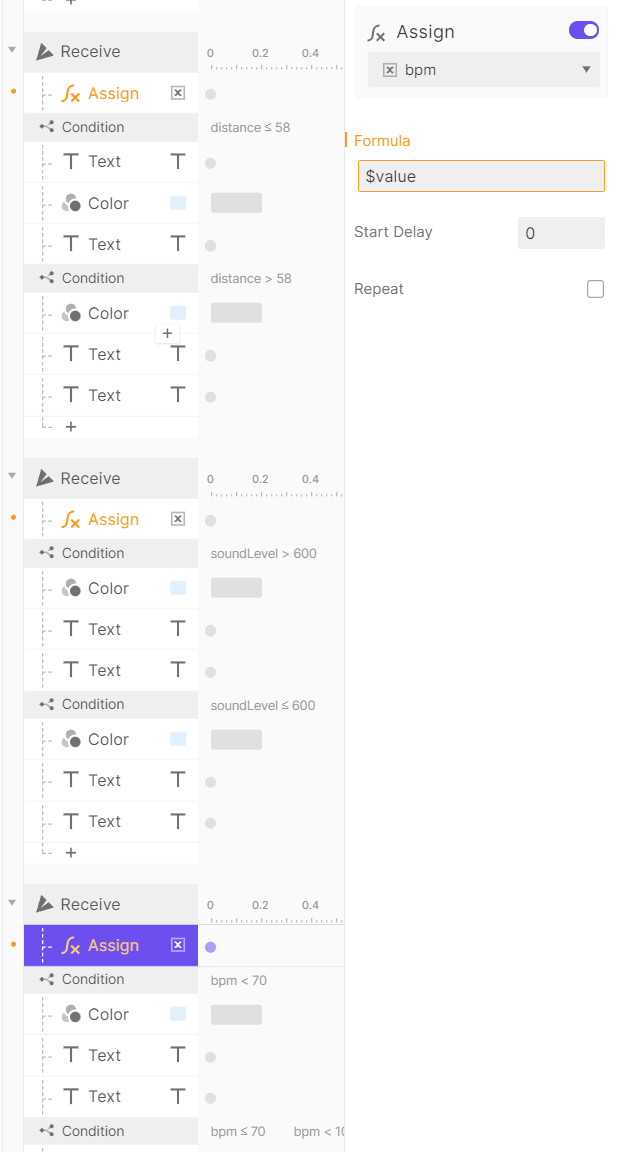
After the second connection failed, I tried adding the FOMULAR function to express the variable. The FOLUMAR expression still failed; I tried using ASSIGN and VALUE to express the variables. After failing again, I tried changing the message timer on the heart rate sensor from HEART to BPM. After the failure, it was suspected to be a priority issue, so the priority of FOMULAR was raised to the same level as CONDITION. This is the final successful version.

Additional Research or Workshops
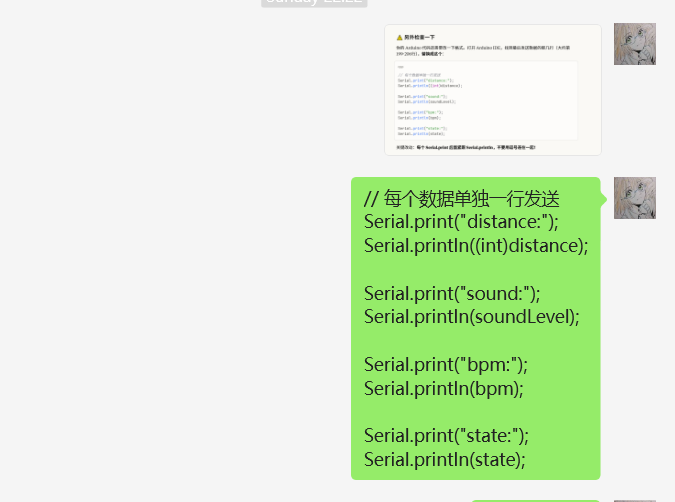
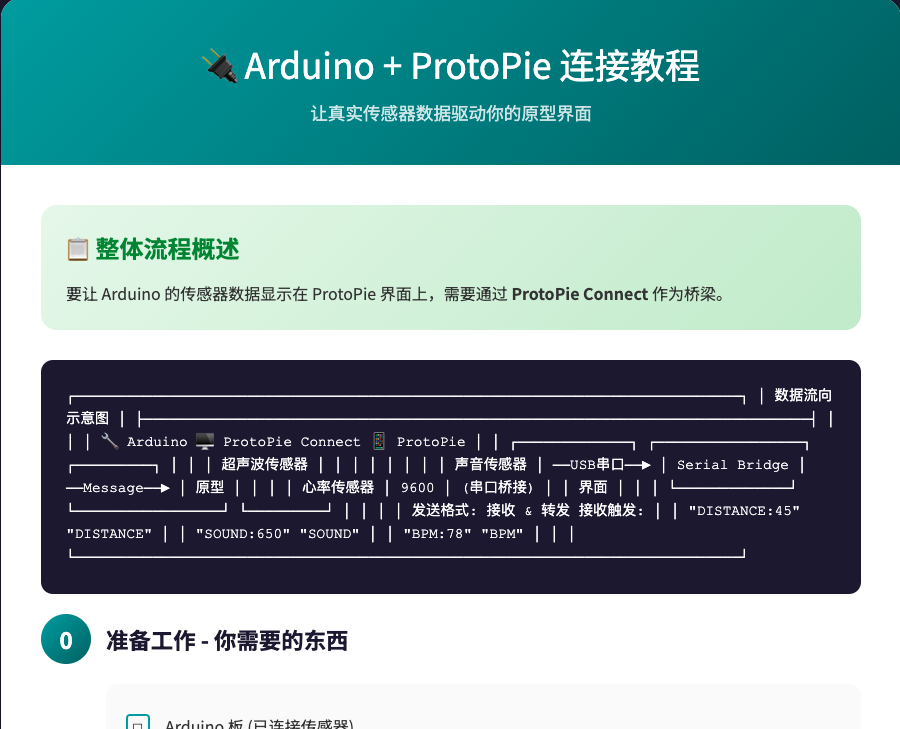
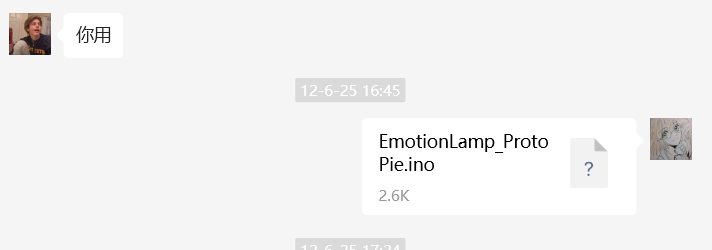
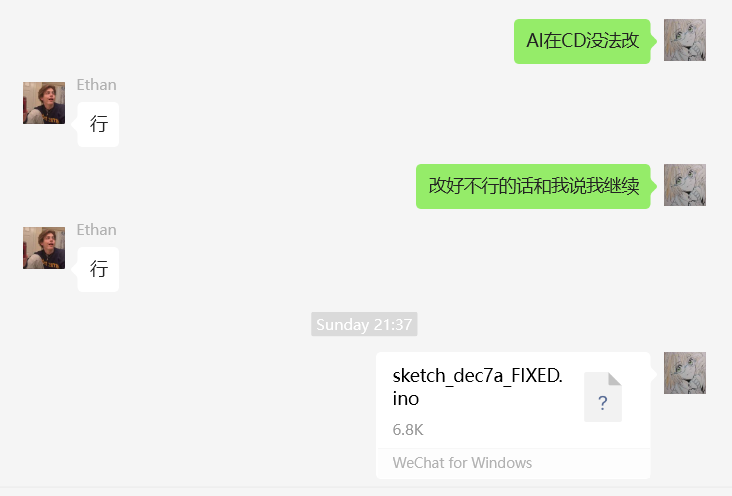
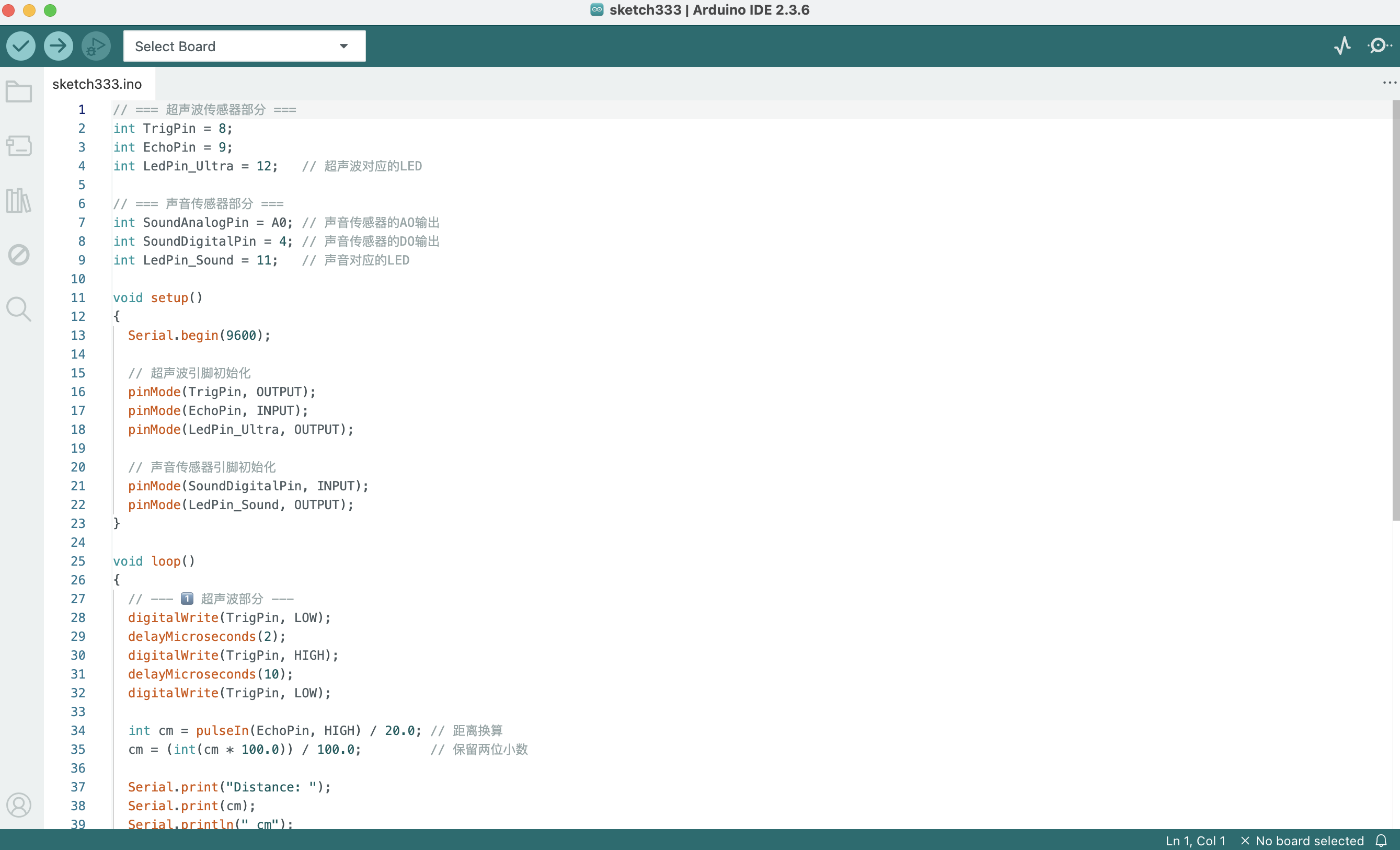
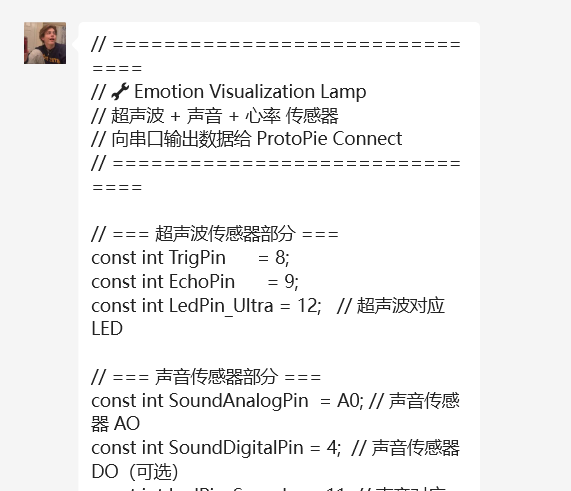
To improve the integration between PROTOPIE and ANDRINUO, we periodically modify the ANDRINUO code. This is the complete ZIP file I'm providing after the first modification. The team member in charge of circuit connections couldn't understand the ZIP file I provided, so I copied the most important code modifications directly and had him paste them into Android. If the modification still doesn't work, we modify it again, compress it into a ZIP file, and send it to the circuit connection team member for testing. This is the modified ANDRINUO code that successfully generated a partial PROTOPIE. Through communication with my team members involved in circuit connection, we modified some of the code and successfully ran ANDRINUO and PROTOPIE. Here are the modifications

Project 2


Project 3 Final Prototype

For Project 3, a wearable wristband prototype was added to house the heartbeat sensor more comfortably, improving usability and stability. The lighting component was upgraded with a brighter, more diffused LED strip to make the emotional feedback smoother and more immersive. ProtoPie is used to transmit real-time sensor data, enabling clearer visual communication between physical input and digital expression.
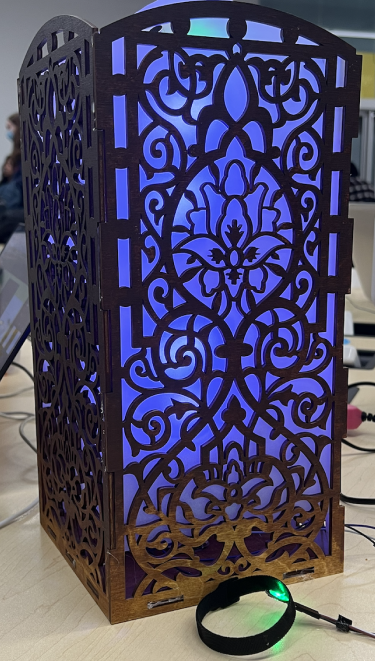
This is our final product.The Emotion Visualization Lamp is an interactive prototype that transforms emotional signals into light-based visual feedback.
×

Powered by w3.css